Authorization in the Mobile terminal MetaTrader 4 iPhone/iPad
To start mobile trading:
Download the MetaTrader 4 application through the App Store and launch it on your iPhone or iPad.
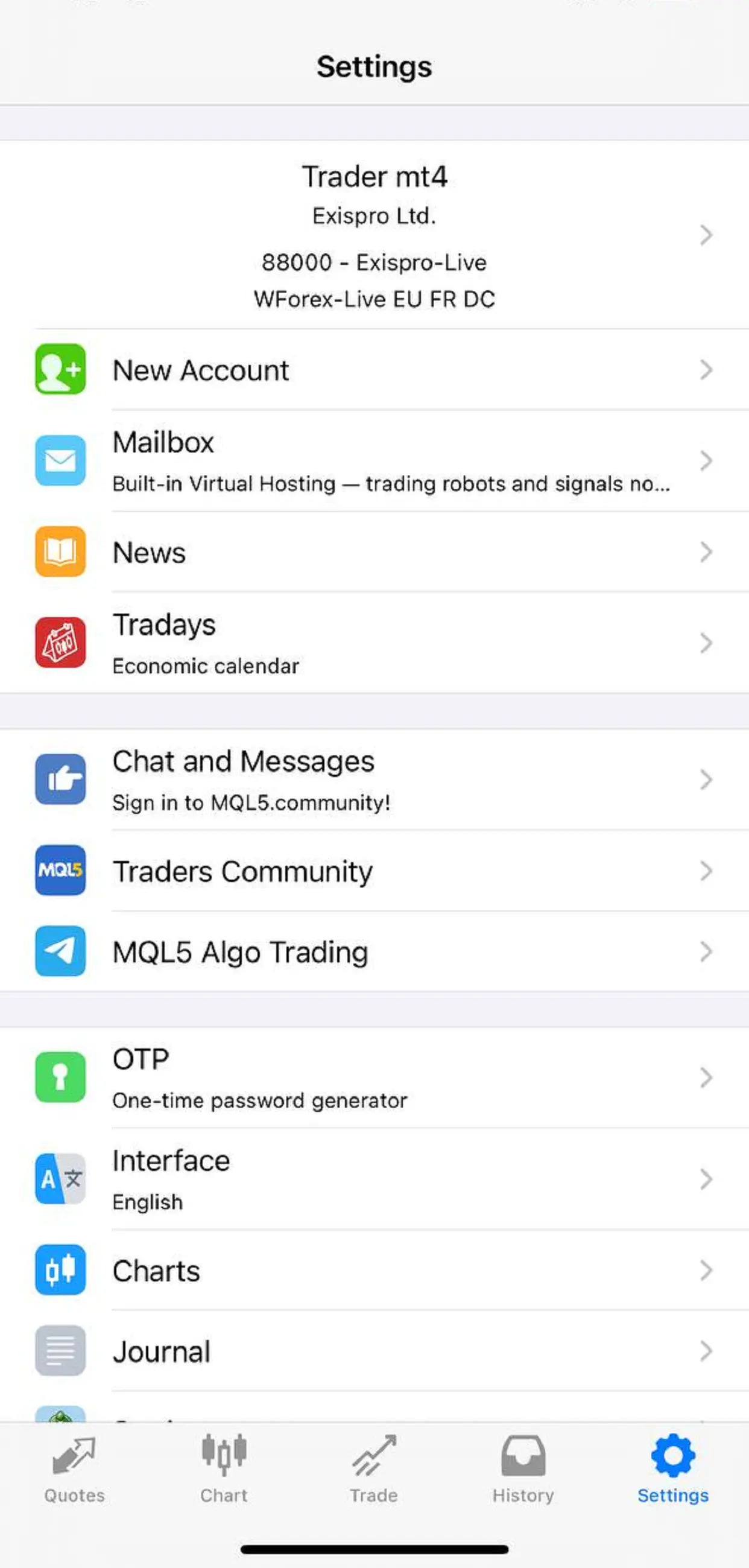
After launching the app, go to the bottom navigation bar and tap the Settings tab (gear icon, usually in the bottom right corner). Then, in the Settings menu, tap New Account (or “+” / “Add account”).
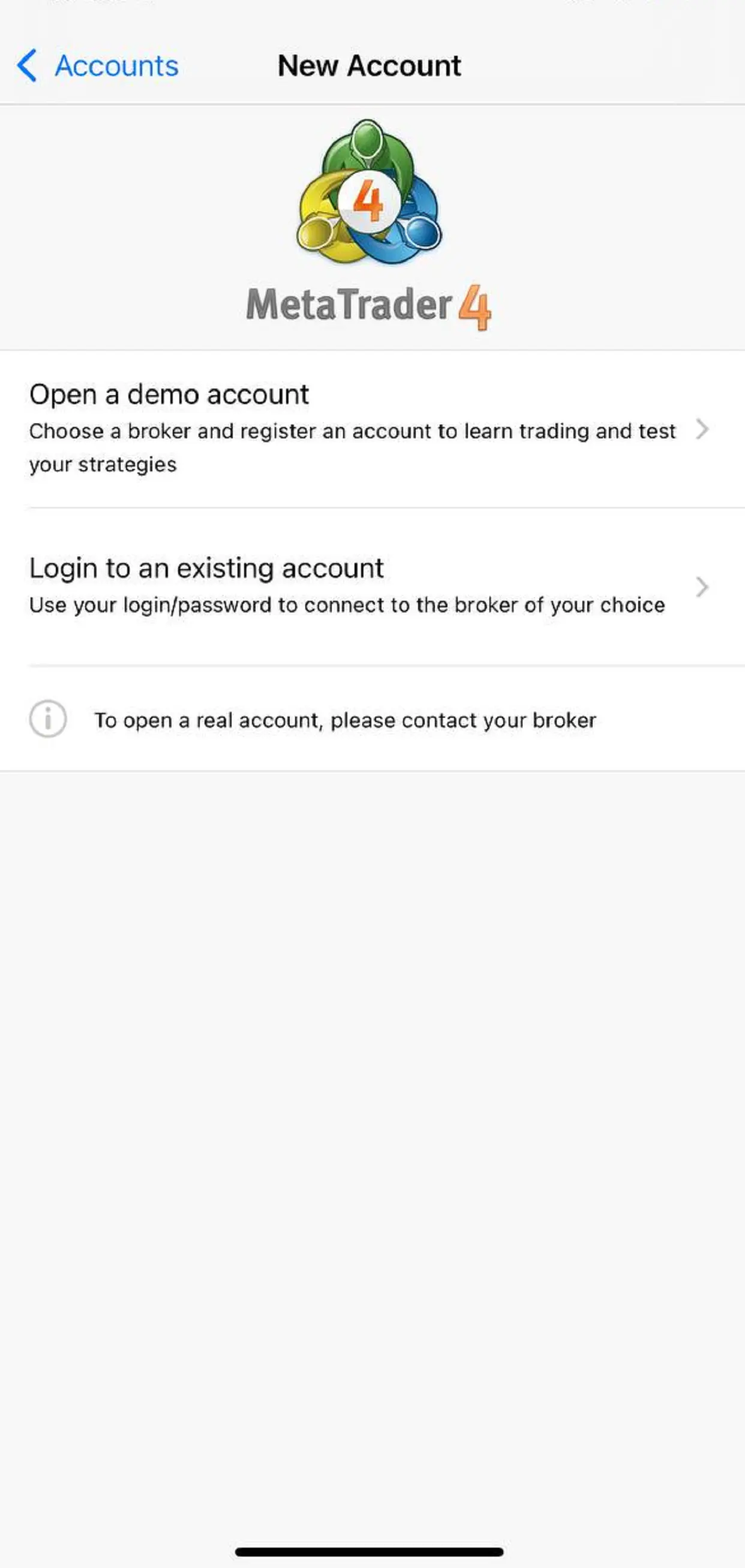
Select the option Login to an existing account (or “Connect to an existing account”).
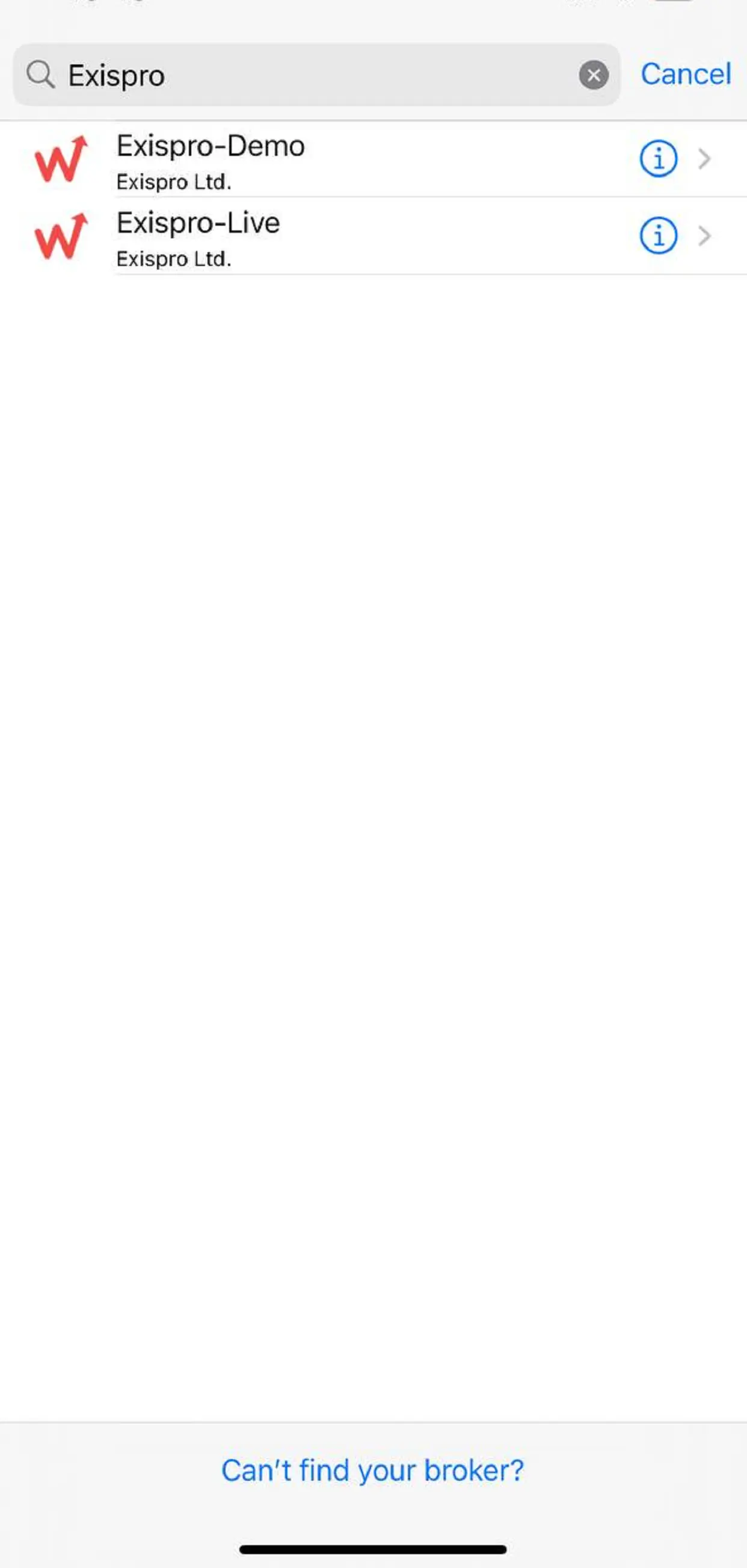
In the broker/server search field, type exispro — a list of available servers will appear:
· Exispro-Demo (for demo accounts)
· Exispro-Live (for real accounts)
Tap the required server (e.g., Exispro-Live for a live account).
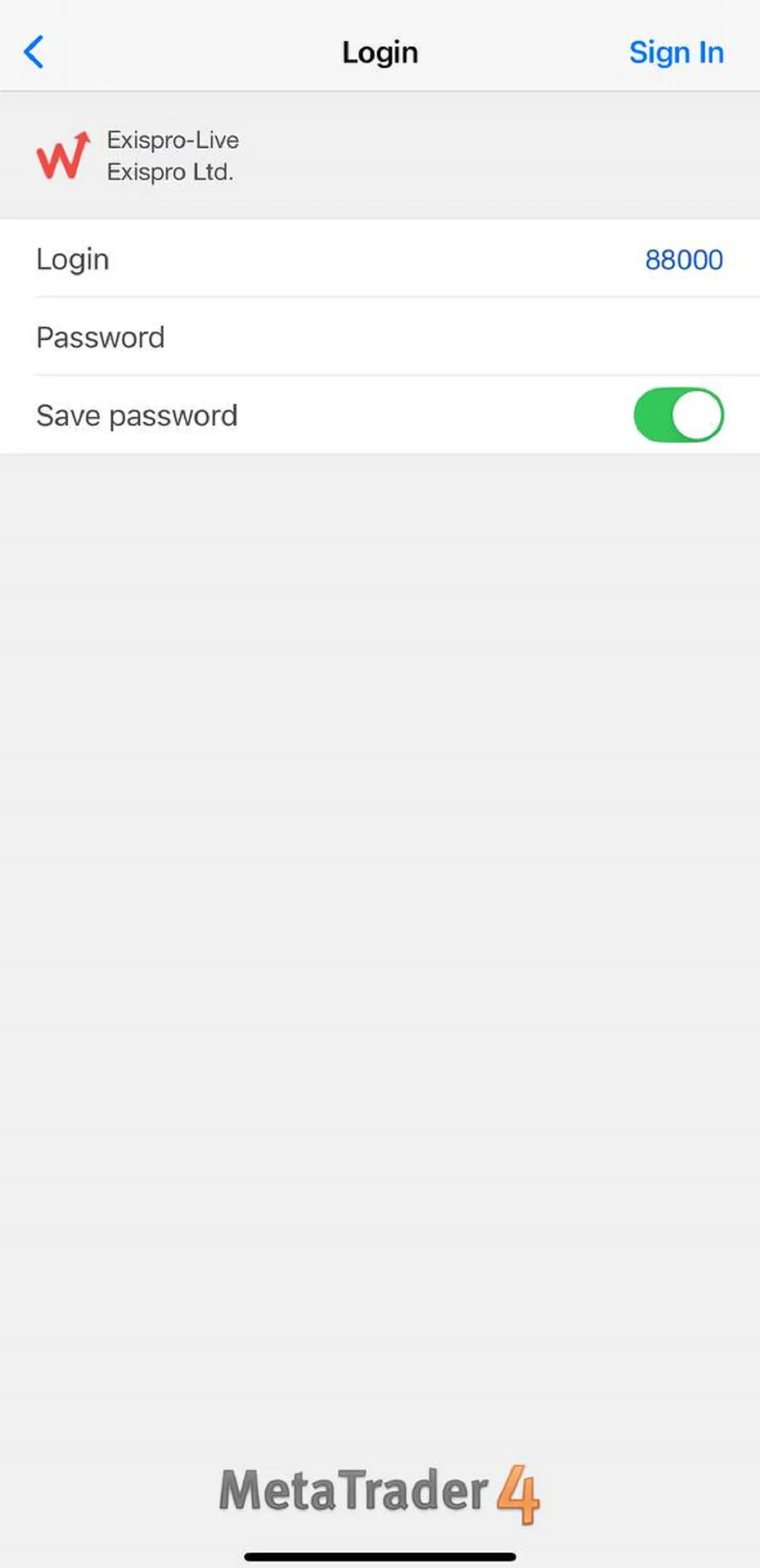
Enter your login credentials:
· Login — your trading account number
· Password — your trading password
Check the box Save password if you want automatic login in the future. Then tap the blue Login / Sign In button.
If the credentials are correct, authorization will succeed. You will return to the main screen (usually “Quotes”), and your account will appear in the list of connected accounts (you can verify in Settings → Manage Accounts).
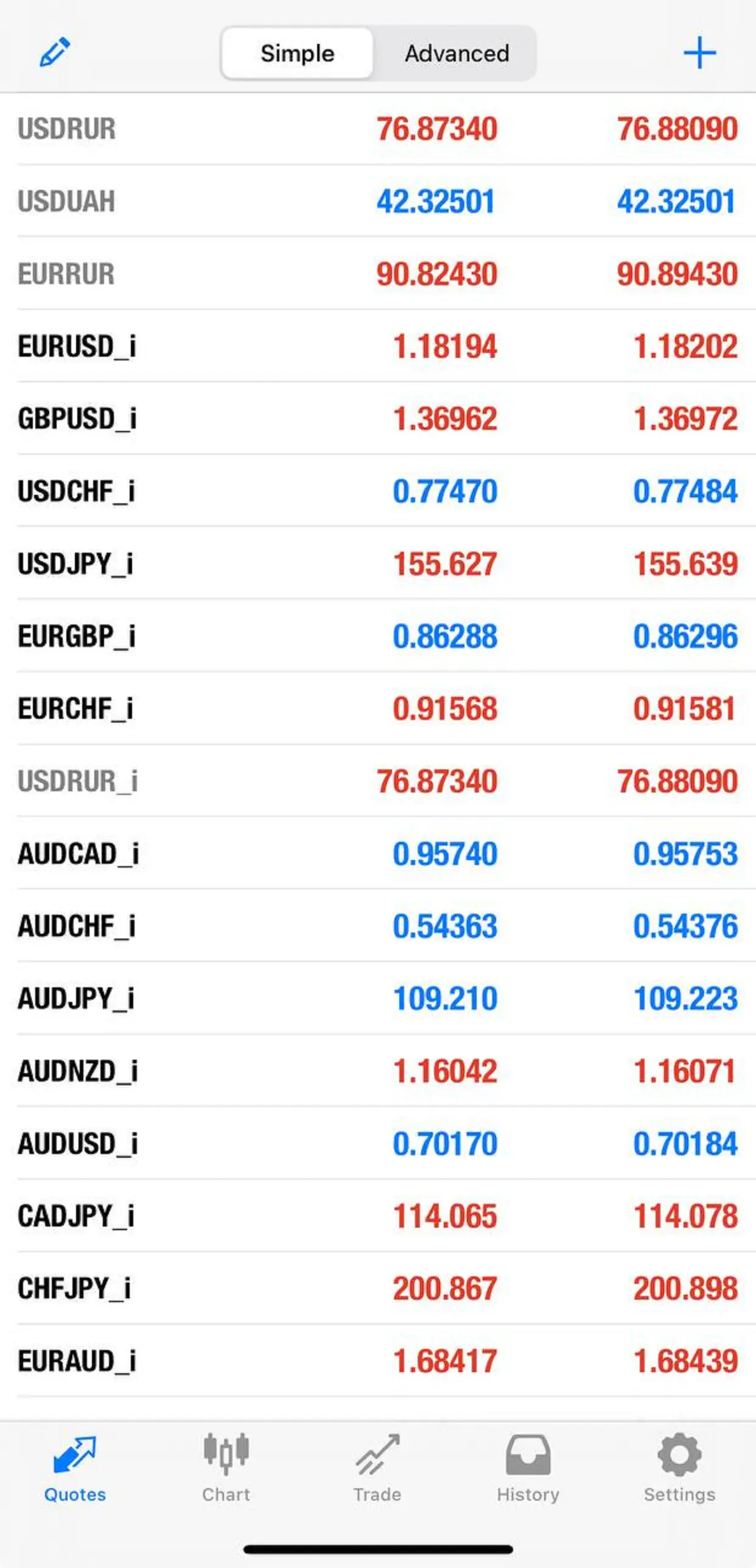
You are now ready to trade: open charts, place orders, view quotes, and manage positions.

